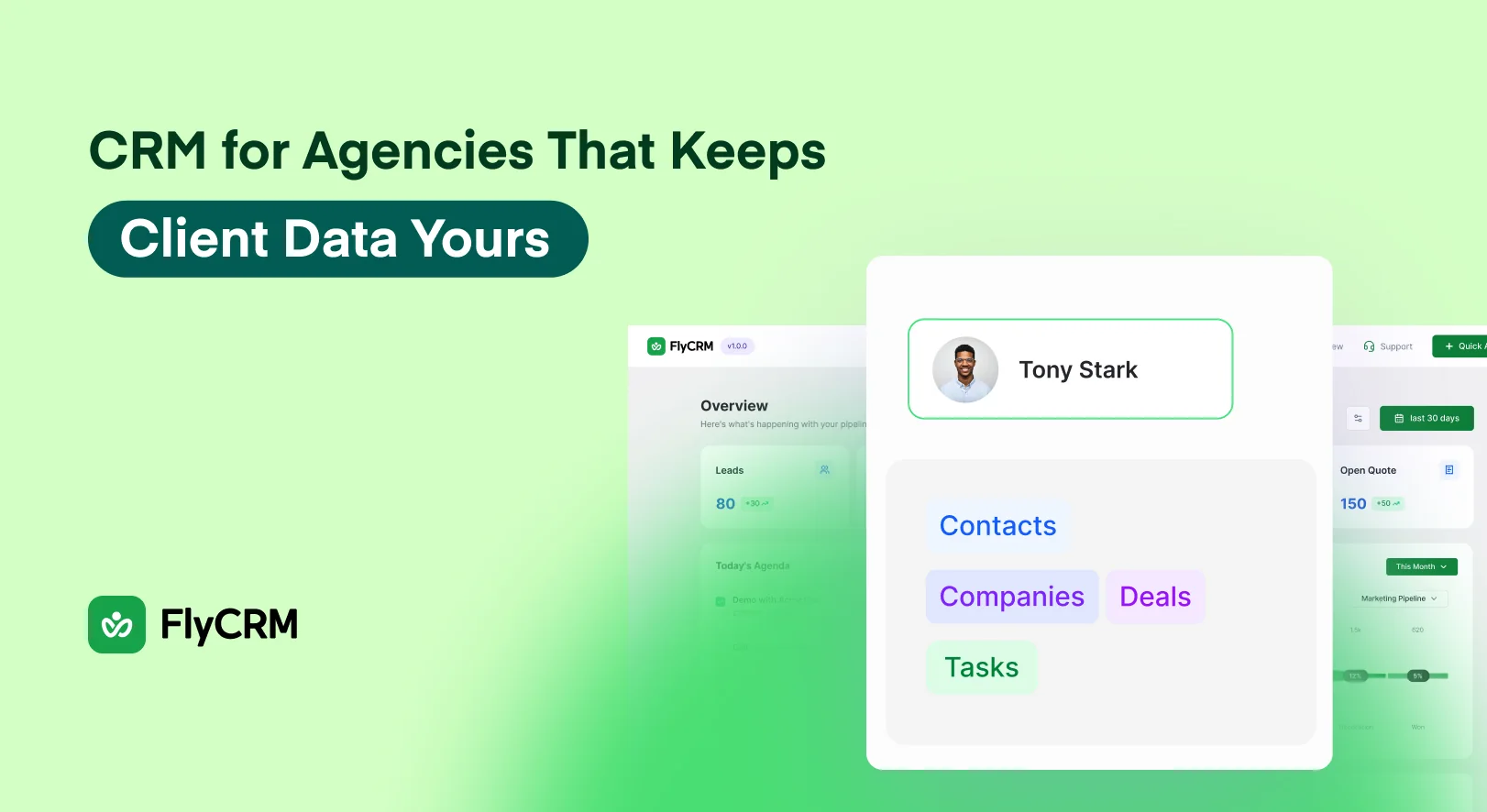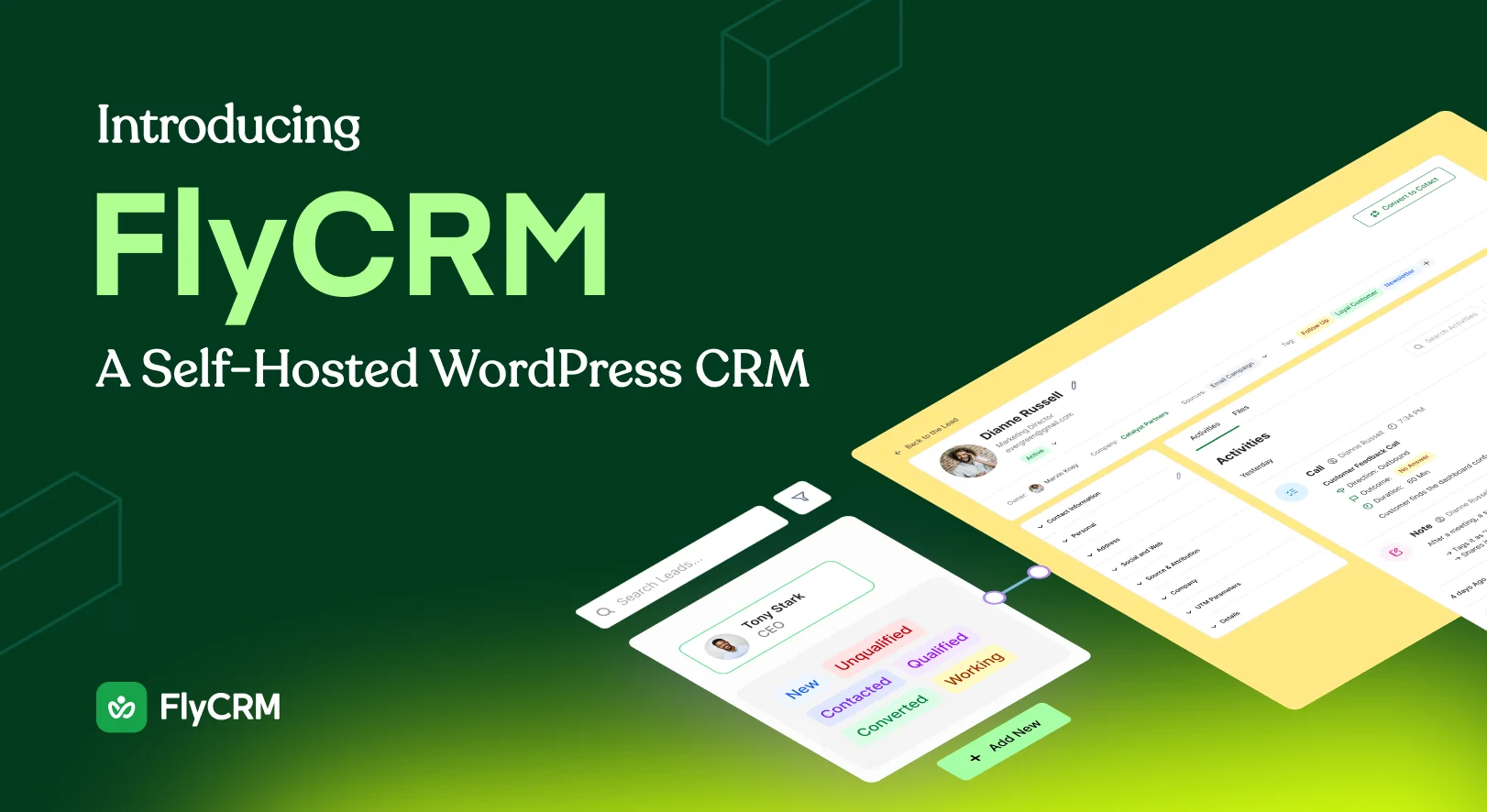
FlyCRM, the WordPress CRM plugin from weDevs, is a self-hosted CRM you install like any other plugin. It has been free on WordPress.org since 10 July 2026, and 14 September 2026 is its public launch. Contacts, companies, leads, deals and quotes all sit in your own WordPress database. The free plugin covers the sales work, and FlyCRM Pro adds invoices and payments.
There is no outside account and no per-seat bill, because the CRM is a WordPress plugin. Our guide to a self-hosted CRM for WordPress explains the trade.
What FlyCRM does
Every person you deal with gets a record with their email, phone numbers, job title and addresses. Companies get their own record with industry, employee count, revenue and the people who work there, and tags, statuses and an owner keep the list usable as it grows.
Leads are kept apart from contacts, so an inquiry that goes nowhere never clutters your customer list. Each lead carries a score you set by hand rather than a rule engine, and a record of where it came from, whether that was Contact Form 7, WPForms, Fluent Forms, Ninja Forms, Gravity Forms or a WooCommerce order.
Build as many sales pipelines as you need and give each one the stages you actually sell through. Stages reorder by dragging and each carries a win probability, and a working pipeline is there when you activate the plugin.
Deals sit on a kanban board and you drag them from stage to stage. Every stage shows a total, so what is in play this month is on screen rather than in a report you build. A deal holds its value and its expected close date, and takes several contacts with a role each.
Quotes go out with line items, discounts and tax, and a PDF attached. Each one gets its own public link, so your client reads it without a WordPress account and accepts or declines it there. Invoices and payment tracking are FlyCRM Pro features.
Notes, calls, emails, meetings, tasks and files land on one timeline on the record they belong to. When a lead is ready, one step turns it into a contact, a company and a deal, and that history follows. The features section lists the rest.
What it deliberately does not do
FlyCRM is a sales CRM and nothing more. There is no email marketing in it, no newsletters, no campaigns and no broadcast sending. It emails a quote and logs one-to-one email through your own mail server.
There is no accounting, no HR and no recruitment, and no AI anywhere in the product, so nothing drafts your replies or writes up your calls. Workflow automation in FlyCRM Pro acts on records rather than on mailing lists.
Why we built it separately from WP ERP
FlyCRM comes from the team behind WP ERP, so the fair question is why this is a new plugin and not an update to it.
It is a new plugin. FlyCRM is not an upgrade of WP ERP CRM, it does not share WP ERP data, and installing it moves nothing out of WP ERP or into it. Records come across through the free CSV import.
It was built again for people who want a fast CRM screen and a pipeline they can read at a glance, rather than a CRM module inside a business suite. weDevs has been making WordPress products for more than ten years, with more than 200,000 users across them.
What it costs
The plugin on WordPress.org is free, with no record cap and no monthly fee. Contacts and companies, leads with scoring, custom pipelines, the kanban board, quotes with a public accept or decline page, the activity timeline, CSV import for contacts and companies, lead capture from forms and WooCommerce, the dashboard and both CRM roles are in it.
FlyCRM Pro is the paid half, and it is a one-time lifetime license rather than a subscription, sold by the number of sites you run it on. Pro adds invoices with payment tracking, payment through Stripe and PayPal, workflow automation, custom fields, a product catalog, sales reports, email templates, inbox sync, team invites and CSV import for leads.
The license is priced by site and not by person, so unlike a cloud CRM with a cost per user, the bill does not grow as the team does.
For the launch there is a discount of 50 percent off the lifetime price, for a limited time. The lifetime deal page carries the current figures, because a price printed in a blog post goes stale.
How to install it
- In your WordPress dashboard, go to Plugins, then Add New and search for FlyCRM. You need WordPress 6.5 or newer and PHP 7.4 or newer.
- Click Install Now, then Activate. FlyCRM sets itself up with a working pipeline, a set of statuses and a starter tag list.
- Open FlyCRM in the admin sidebar. Nothing else has to be configured first.
- Add your first contact, or open Import and bring in a CSV of the contacts you already have.
Form lead capture is switched on under FlyCRM, then Integrations, with a feed for each form.
Where to start
Install the free plugin, add one contact and one deal, and see whether the board matches how you actually sell. FlyCRM on WordPress.org is the download.
Frequently asked questions
Is FlyCRM free?
Yes. The plugin on WordPress.org is free to install and use, with no record cap and no monthly fee. FlyCRM Pro is the paid half, and it adds invoices, online payments, workflow automation, custom fields, sales reports, email templates, inbox sync and team invites.
Where is my data stored?
In your own WordPress database, on your own hosting. FlyCRM does not send your contacts, deal values or quotes to weDevs or to any outside service, and there is no account to open. If you deactivate the plugin, every record stays where it is.
Is there a limit on how many contacts I can keep?
No. FlyCRM does not count your contacts, leads or deals, and what you pay does not change with the number of records you hold. The ceiling is whatever your own hosting and database can handle, which is well beyond the list most small teams will build.
Does FlyCRM need a separate server?
No. FlyCRM installs into the WordPress site you already run and uses that database, so there is no second server to rent, secure or patch. It needs WordPress 6.5 or newer and PHP 7.4 or newer, and its screens load only inside the FlyCRM area of your admin.
Start With One Contact and One Deal
A CRM earns its place the day it tells you something you did not already know about your own sales.
FlyCRM is free on WordPress.org, it keeps every contact, company, lead, deal and quote in the database your site already runs on, and it never charges by the seat. The free plugin covers the sales work end to end. FlyCRM Pro adds invoices, online payment and workflow automation for when you need to get paid inside the same tool.
Install it, add one real contact and one real deal, and drag that deal across the board. If the stages do not match how you sell, edit them, because that takes a minute. If you already know you want the Pro features, the lifetime license is a single payment priced by the number of sites you run.