A CRM for agencies has to do two things a sales team’s CRM never has to. It has to keep one client’s records apart from another’s, and it has to survive a team that changes every month. Agencies answer that today in three ways, a per-seat cloud CRM, a spreadsheet for each client, or a CRM running inside the agency’s own WordPress. Here is what each one costs you.
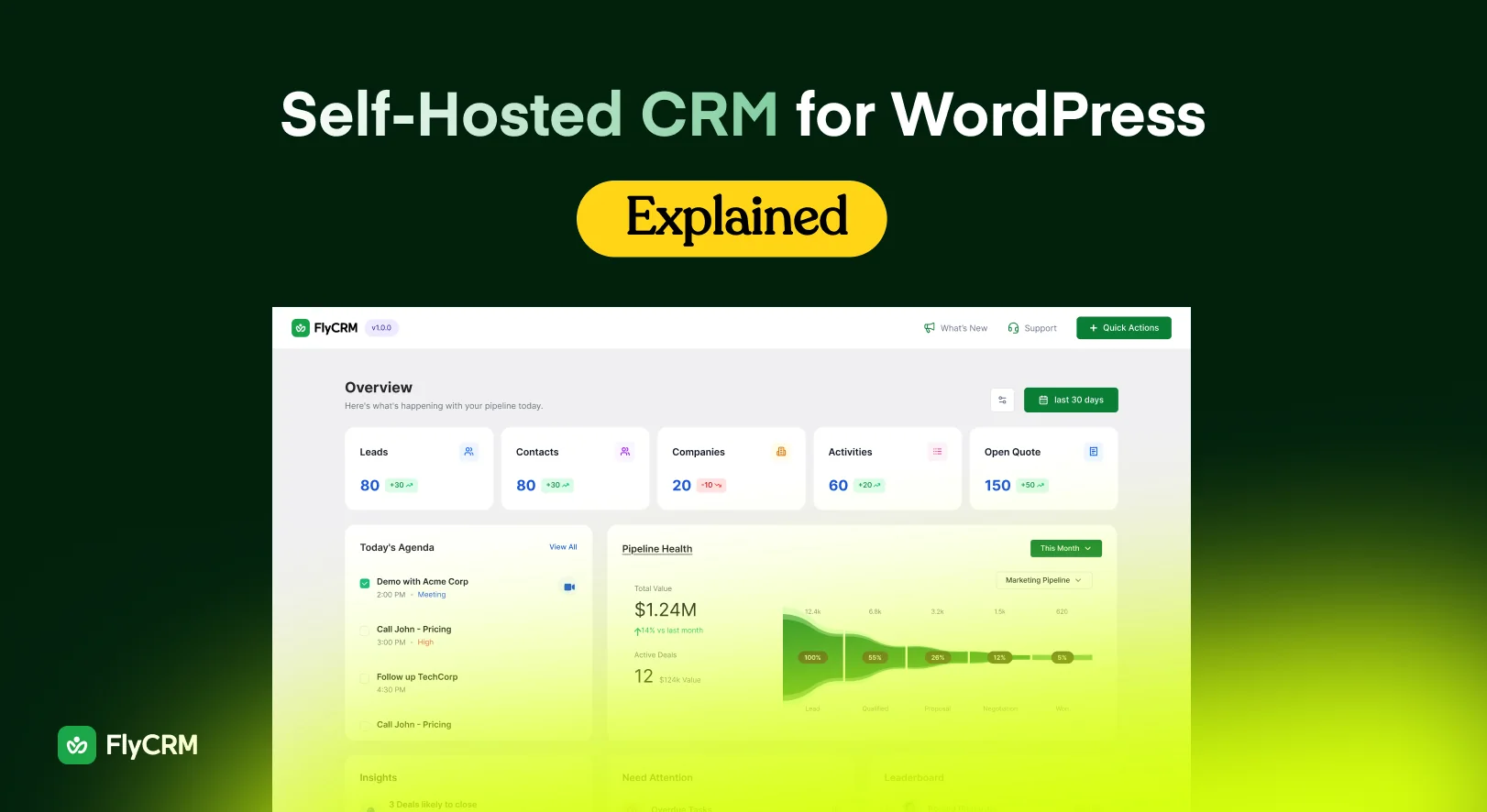
The worked examples use FlyCRM, the WordPress CRM plugin from weDevs, because it is the one we make. If the third option is new, our guide to a self-hosted CRM for WordPress covers where the records sit and what you take on by holding them.
What makes a CRM for agencies different from a sales CRM
A product company’s sales team has one customer base, one pipeline shape and a team that changes a few times a year. Almost nothing in that sentence describes an agency, which is why agency people bounce off CRM software written for that team.
The first difference is easy to say and awkward to act on. The contacts in a client account are not yours. They belong to the client’s business, and holding them for somebody else turns separation, deletion and handover into contract terms.
The second is the team. Three permanent people plus a rotating set of contractors is the model, not a fault in it. Software priced per person bills you for the rotation, and software behind one shared login cannot tell you who called the client in March.
The third is that an agency runs two kinds of pipeline at once, its own new business and the work inside each client account. Those stages are not the same and they should not share a board.
The per-seat arithmetic
Take an agency of three permanent staff who bring in four contractors for a three-month build. Seven people now need to see the client’s contacts and add to the record. On a per-user cloud CRM that is seven seats every month the project runs, and it changes again the month the contractors leave.
Agencies get around it in two ways and both cost more than the seats. One is a shared login, which destroys the audit trail, so nobody can say who sent the client that price. The other is keeping contractors out of the CRM, so their notes stay in email and the account history has a hole where the busiest quarter was.
A per-site license changes the sum. The FlyCRM plugin on WordPress.org is free with no cap on records, and FlyCRM Pro is a one-time lifetime license sold by the number of sites you run it on, so headcount never enters the calculation.
| Seven people, one project | Per-user cloud CRM | CRM plugin licensed per site |
|---|---|---|
| Three permanent staff | Three seats, every month | One license |
| Four contractors for three months | Four more seats while they are on | No change |
| A contractor leaves in week three | Remove the seat, if somebody remembers | Nothing to remove |
| The bookkeeper who logs in twice a month | A full seat | No change |
The figures in those cells move, so this post does not print them. Put a year of your vendor’s per-user price against the FlyCRM lifetime deal on the day you decide. As of September 2026 there is a launch discount of 50 percent off the lifetime price, for a limited time.
Keeping client A out of client B’s records
Separation is decided in your first week with the tool and it is miserable to retrofit, because by then somebody is sorting mixed records by hand.
A pipeline for each client
FlyCRM builds as many pipelines as you need, each with its own stages, and that is in the free plugin. One client’s work is its own board, the next client’s is another, and your new business is a third. A deal appears on one board only.
Separate boards also let the stages be honest. A retainer renewal moves through nothing like the steps a new build does, and forcing both through one set of stage names is how a pipeline stops being updated. Stages reorder by dragging and each carries a win probability.
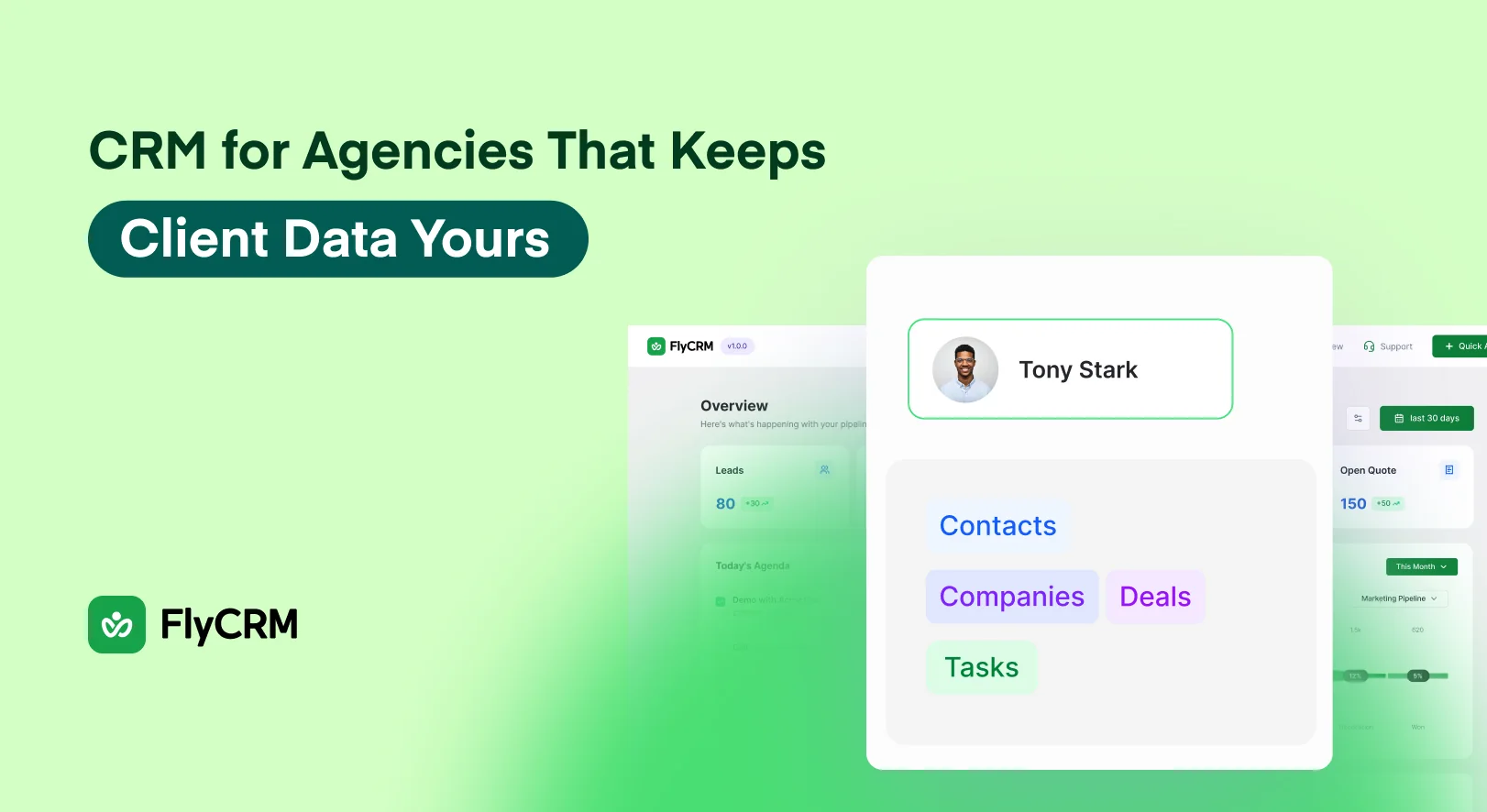
Underneath the boards, a company record for each client holds the people who work there, and every contact, company, lead and deal carries an owner, tags and a status you define. Filter by the client’s tag and the account is on one screen.
Who reaches what
FlyCRM has two roles. CRM Manager reaches everything, CRM Agent reaches only its own records, and administrators get full CRM access as soon as the plugin is switched on. Access is then set for each record type and each action, so a contractor can add and edit a deal without being allowed to delete one, and permanent delete is a separate permission. One setting opens everyone else’s records to agents. The team management page has the detail.
Be clear about the limit, because it decides how you set the agency up. Two roles are what you get, not a builder for inventing your own, so there is no way to create a role called client A only. Separation comes from who owns each record and what an agent can reach.
Inviting colleagues into the CRM is a FlyCRM Pro feature. The free plugin on WordPress.org is enough to run this on one client account first and see whether it fits.
What happens when a client leaves
Every retainer ends, and the week it does somebody asks for the data. If that is the first time anyone has thought about it, the handover is a spreadsheet pasted together on the last afternoon, with none of the history behind it.
Where the CRM lives decides who is holding what. If the records are in the client’s own cloud account, they keep everything and you lose the notes explaining why you priced year two the way you did. If they are in your agency’s cloud account, you keep that history and you are storing another business’s customer data under an agreement the client never signed. If they are in your agency’s WordPress, you are still holding it, but in a database you control, so producing them and deleting them are things you can do this afternoon.
A real handover is more than a contact list. It is the contact and company records with their timeline of notes, calls, emails, meetings, tasks and files, the deals with their value, close date and the stage changes FlyCRM recorded, and the quotes with their PDFs and what the client decided. The timeline is what gets argued over, because it is the part nobody can reconstruct later.
Settle the route out early. The records are rows in your own WordPress database, so they come out with a database export or a backup from your host and no vendor has to approve it. FlyCRM’s CSV tool runs the other way, importing contacts and companies with field mapping and duplicate detection on email, so if the client is moving to their own WordPress that import is the receiving end. Put the format in the contract at the start.
Then decide what you delete, and be precise about the word. A deleted record in FlyCRM goes to trash and can be restored. Permanent delete is a separate permission, and a client asking to have their data removed is asking for that one. Your backups hold copies too, so the honest answer to when it will be gone includes your backup retention.
Five things belong in writing before the work starts. Where the records are held, naming the host and the country. Who has access, by role rather than by name. What you hand over at the end and by when. Whether you keep a copy and for how long. Who is responsible if the data is exposed while you hold it, which is one for whoever drafts your contracts.
Data residency when a client asks where their records are
Public-sector clients and anyone with a procurement process ask where the data sits, usually in a questionnaire with one line for the answer. On a cloud CRM you answer with a subprocessor list and a region you might be able to choose on a higher plan. Self-hosted, the answer is the region of your own hosting account, and you can name the host too.
That is specific enough for a contract. Records held in a named region, on hosting you can name, reachable by a defined number of people in defined roles, with no third-party CRM company in the path. That survives being read back by the client’s lawyer.
Now the limit, because overstating this is how agencies get into trouble. Self-hosting settles where the records sit and which outside companies process them. It does not make you GDPR compliant. You still need a lawful basis for holding somebody’s details, a retention period, a way to delete a record on request, and a patched server. In most agency arrangements the client is the controller and you are the processor, and the contract has to say so.
One practical consequence. If the country is in the contract, your hosting choices are client commitments, so moving to a cheaper host in another region becomes a conversation rather than a Tuesday afternoon job.
Quotes and approvals without another subscription
Most agencies pay for a proposal tool next to the CRM, and often it is doing work the CRM could do. Quotes in the free FlyCRM plugin carry line items, discounts and tax, take document numbers issued automatically with a prefix you choose, and produce a PDF.
Each quote gets its own public link. The client opens it in a browser with no WordPress account, downloads the PDF and accepts or declines there. You see when it was opened and what they decided, and the acceptance is recorded against the deal, so the board reflects it without anybody editing a record.
That answers the two things agencies chase most, whether the proposal was read and whether it was approved. It also suits the client whose budget holder is not the person you talk to, because a deal takes several contacts with a role each.
Invoices, turning an accepted quote into an invoice in one step, and taking payment through Stripe and PayPal are FlyCRM Pro features rather than free ones. The quotes and invoices page sets out which side of that line each piece falls on.
When an agency should not self-host
If nobody will own the updates and the backups, stay on a cloud CRM. An unpatched plugin holding several clients’ customer lists is a worse position than the subscription you were leaving, and worse in a way you have to disclose to them.
If the client’s own team needs to log in and use the CRM, this is the wrong tool. FlyCRM’s roles live inside your WordPress, so client access means a user account on your site. A client who insists on that is really asking for their own CRM on their own site.
If procurement wants a SOC 2 report, a signed uptime commitment, single sign-on and a vendor security questionnaire filled in, a plugin on your own server produces none of that, because the provider is you.
If you also need campaigns, that half comes from somewhere else. FlyCRM is a sales CRM with no email marketing, no newsletters and no marketing automation, and there is no AI in it. Workflow automation in FlyCRM Pro moves records when something changes, it does not send campaigns.
What to do next
Work out what your seat count costs over a year, contractors included, then set it against a license priced by site on the FlyCRM lifetime deal page. As of September 2026 the launch discount takes 50 percent off the lifetime price, for a limited time. The free plugin runs on one client account while you decide.
Frequently asked questions
Can I run a separate pipeline per client?
Yes, and it is in the free plugin. Build as many pipelines as you need, each with its own stages, so every client account gets its own board and your new business gets another. Stages reorder by dragging and each carries a win probability. A deal appears only on the pipeline it belongs to.
Can a freelancer see only their own records?
Yes. The CRM Agent role reaches only its own records, so a contractor sees their work and not the rest of the client list. Access is set for each record type and each action, so an agent can add and edit a deal without being able to delete one. One setting opens everyone else’s records to agents.
What does it cost per extra person?
Nothing per person. FlyCRM Pro is a one-time lifetime license priced by the number of sites you run it on, so contractors arriving for one project do not change the bill and leaving does not either. The free plugin has no record cap. Inviting colleagues from inside the CRM is a FlyCRM Pro feature.
Can I export a client’s data?
The records are rows in your own WordPress database, so a database export or a backup from your host contains them and no vendor has to approve it. FlyCRM’s CSV tool imports contacts and companies rather than exporting them, so agree the handover format with the client before the last month.
Where is the data stored?
In your own WordPress database, on the hosting your site already runs on. There is no outside CRM account in the path, so the country your client records sit in is the region of your hosting account, which you can name in a contract. Deactivating the plugin leaves every record where it is.
Hand the Records Back Without an Export Window
An agency holds data it does not own, so the real test of a CRM is what happens on the day a client asks for it back.
Pricing by site rather than by seat means adding a project manager, a contractor or a freelancer for one campaign costs nothing, and that arithmetic decides this for most agencies on its own. Separate installs keep one client’s records genuinely apart from another’s, the data sits in whatever jurisdiction that client’s hosting sits in, and a handover becomes a database the client already owns rather than a CSV and a deadline.
Work out your real seat count over a year, contractors included, then set it against a license priced by site on the lifetime deal page. The free plugin runs on one client account while you decide.